

Download Auto Collage Studio – Photo Collage Maker, Create Photo Collage, Collage Maker App
Overview
Auto Collage Studio is a mobile application designed to simplify the process of creating visually engaging photo collages. Targeted at users who wish to enhance and personalize their images without the need for advanced editing tools, the app offers a streamlined experience focused on creativity and ease of use. It addresses the common challenge of time-consuming photo editing by providing quick, intuitive tools that allow users to combine multiple images into cohesive and stylish layouts.
Primarily suited for casual users, social media enthusiasts, and anyone looking to share memorable moments in a more artistic format, Auto Collage Studio serves as a lightweight utility for smartphone-based image enhancement. The app’s purpose is to democratize photo collage creation, making it accessible to individuals with little to no design experience. While the developer, Auto Collage Studio, is listed, no additional background information is available regarding their history or other applications.
Real-world use cases include organizing vacation snapshots, creating birthday or event memory boards, or enhancing personal photo albums for digital sharing. In the broader app ecosystem, Auto Collage Studio fills a niche for fast, mobile-first visual content creation—particularly relevant in an era where visual storytelling dominates social platforms. Despite its age, the app continues to serve users seeking a no-frills solution for photo collage assembly.
Key Features & Functionality
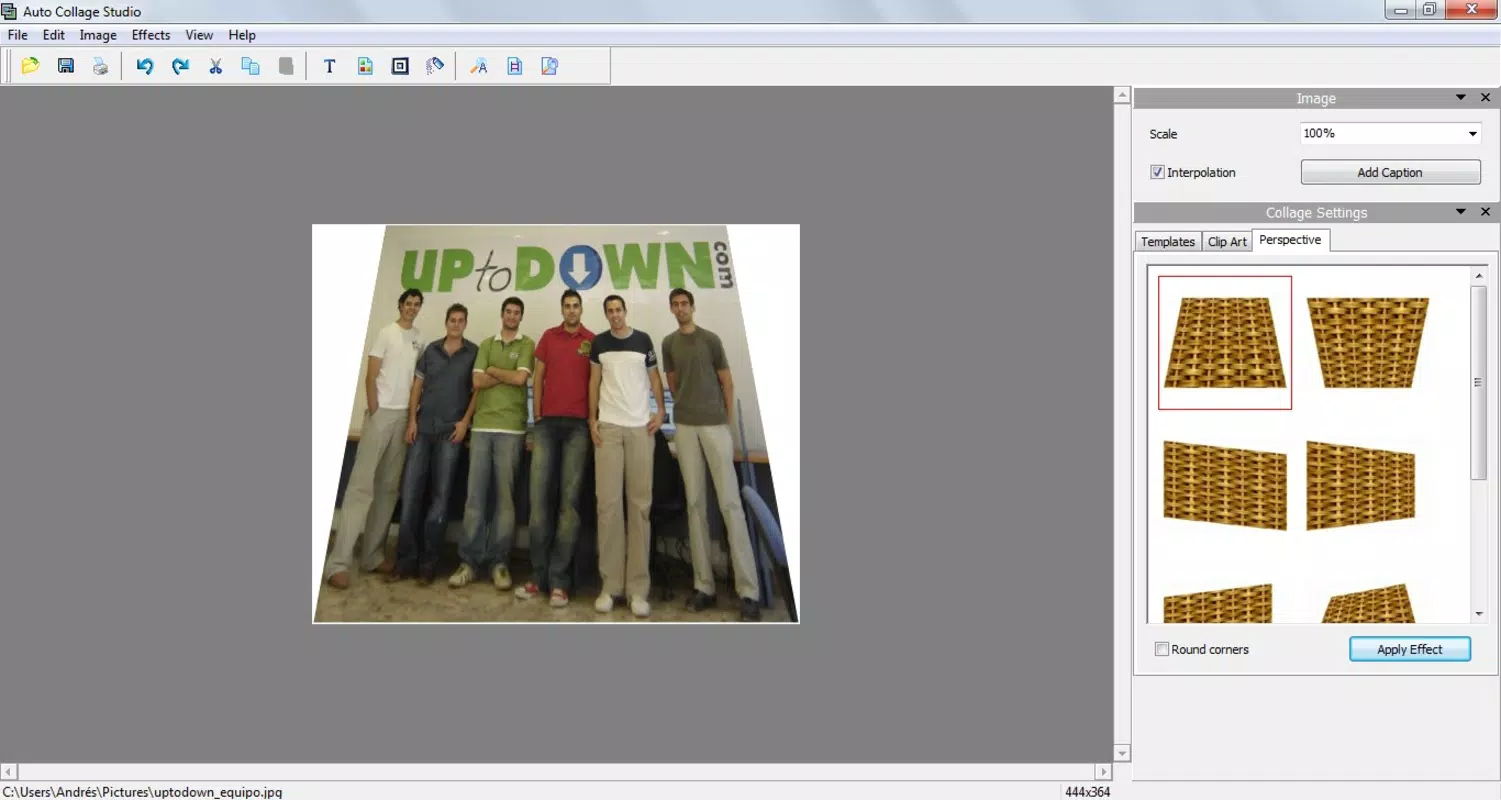
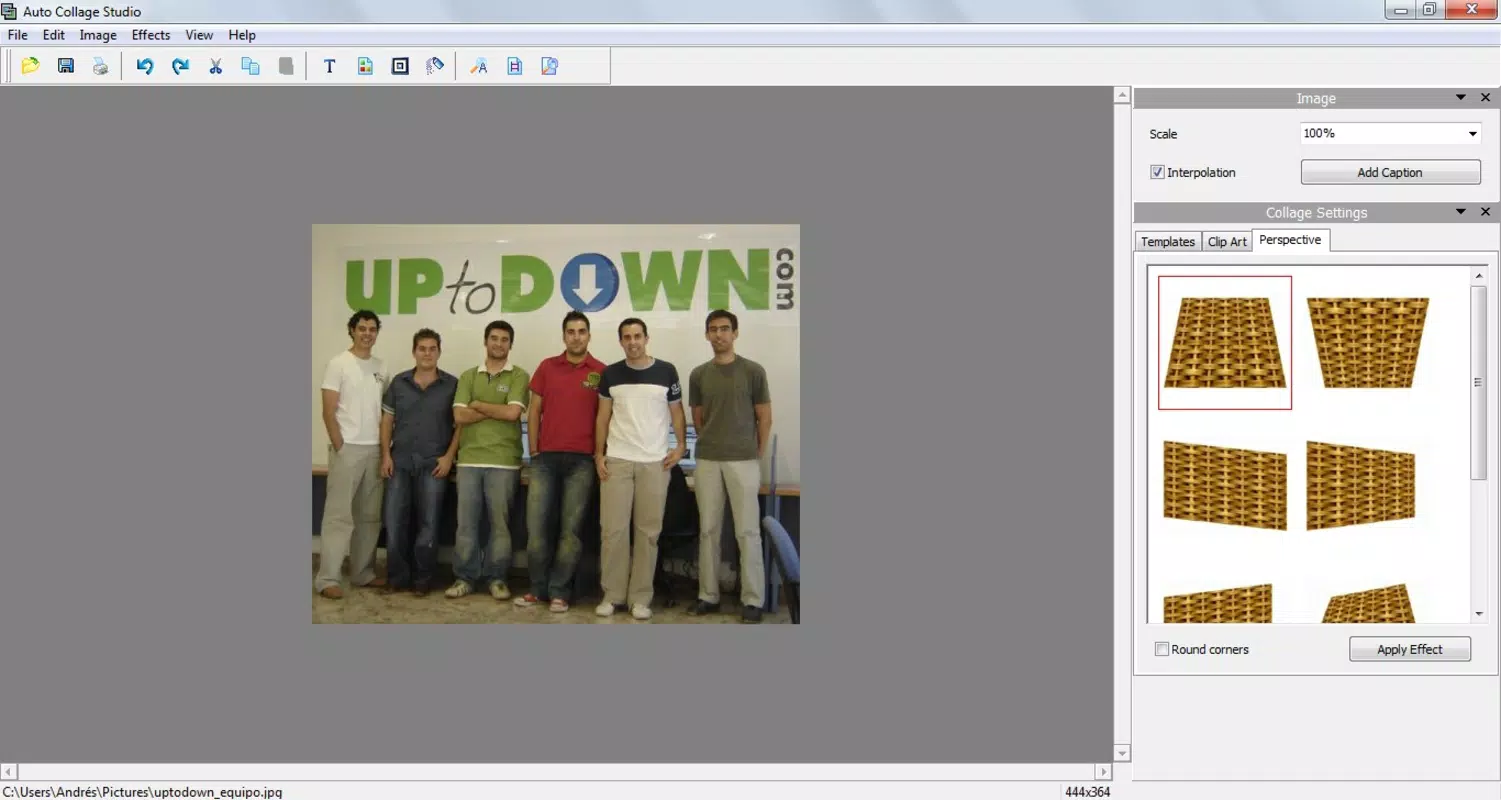
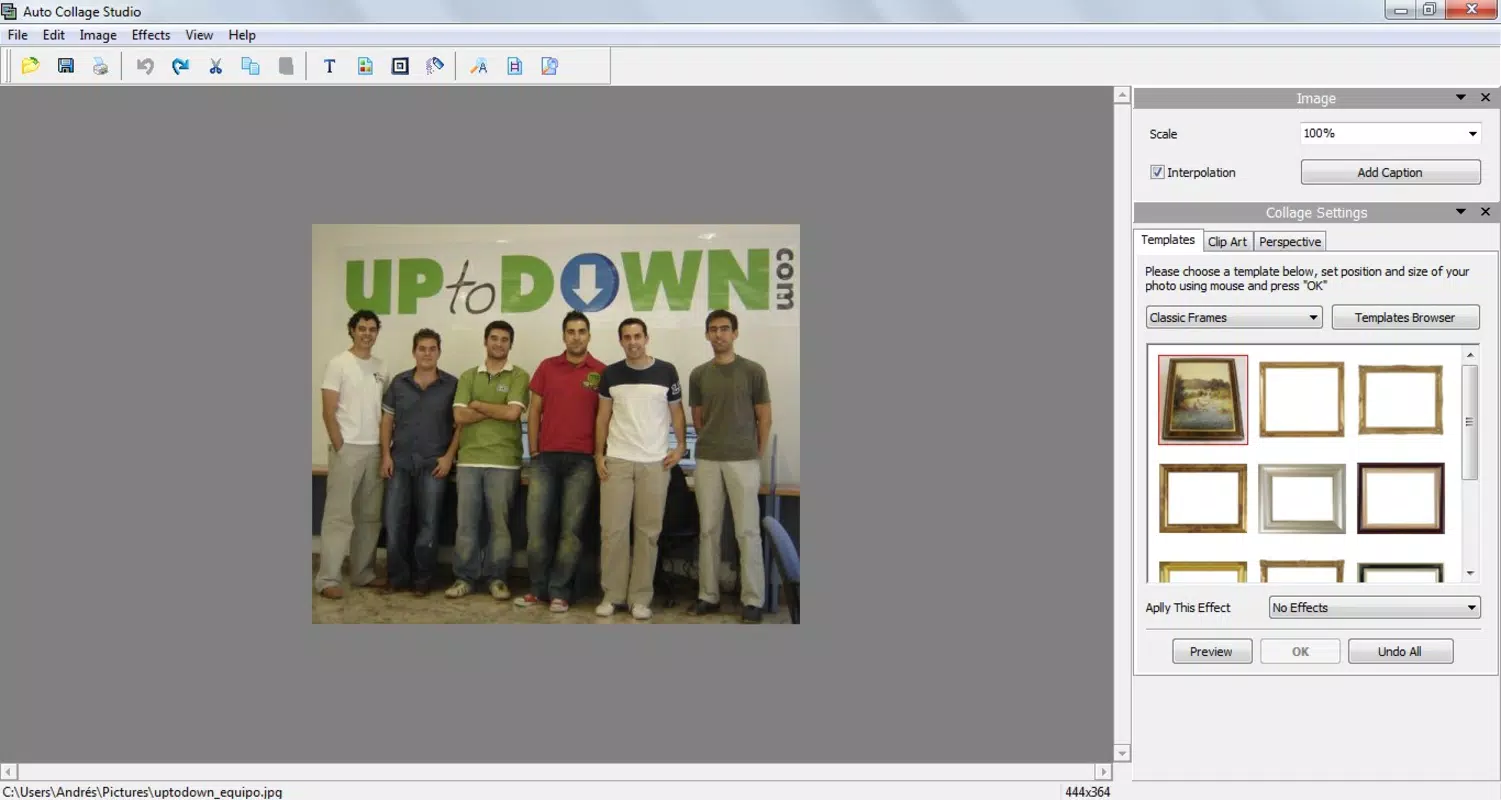
- User-Friendly Interface: The layout is designed with accessibility in mind, placing all editing tools on the right side of the screen for easy one-handed use. This organization reduces cognitive load and allows users to focus on creativity rather than navigation.
- Variety of Fun Frames: Users can select from a diverse collection of frames that range from minimalist to ornate, enabling them to match their collage to specific themes such as travel, family, or celebrations.
- Customizable Decor Elements: Small, playful images and decorative stickers can be placed anywhere on the canvas. These elements can be resized, rotated, and color-adjusted to align with the user’s aesthetic vision.
- Quick Editing Tools: Changes such as cropping, resizing, and applying frame styles are executed with minimal taps. The app ensures real-time previews, allowing users to assess results instantly and make adjustments on the fly.
For example, a user preparing a birthday collage can quickly import photos, select a themed frame, add confetti stickers, and export the final result—all within minutes. This efficiency makes the app ideal for spontaneous content creation, such as last-minute social media posts or digital greeting cards.
Interface, UX & Performance
The user interface of Auto Collage Studio reflects a clean, minimal design philosophy. Navigation is linear and predictable, with primary functions accessible through clearly labeled icons and a consistent layout. The visual style emphasizes usability over ornamentation, prioritizing clarity and responsiveness.
Users can expect a smooth experience when selecting photos, applying frames, and placing decorations. Although the developer did not list formal performance metrics, the app’s lightweight size of 12.3 MB suggests optimized resource usage. This makes it suitable for a wide range of Android devices, including mid-tier and older models.
Responsiveness is maintained across different screen sizes, and the app maintains stability during common tasks such as image import and layout adjustments. While no information was provided about crash rates or battery impact, the app’s long-standing presence on the platform indicates reliable operation under typical conditions.
Platform Compatibility & Technical Requirements
Auto Collage Studio is available exclusively on the Android platform. The current version is 1.0, and the app has a file size of 12.3 MB, making it a lightweight download ideal for users with limited storage space.
The developer did not specify minimum OS requirements or device compatibility details. As such, compatibility with specific Android versions or hardware configurations cannot be confirmed. However, given its release date in 2011 and continued availability, it likely supports a broad range of older Android devices.
Pros and Cons
Pros
- Simple, intuitive interface ideal for beginners
- Lightweight app with minimal storage footprint
- Quick editing tools enable fast collage creation
- Offers a variety of frames and decorative elements
- Free to download and use with no in-app purchases
Cons
- No information provided about OS version compatibility
- Version number remains at 1.0, suggesting limited updates
- Limited customization options for frame and decoration settings
- Developer did not provide technical specifications or support details
- No official update history or changelog available
FAQ
Is Auto Collage Studio safe to download?
Yes, the app is available through official Android channels and is free from known malware. It does not require unusual permissions and operates within standard app security protocols.
Can I use Auto Collage Studio on iOS devices?
Currently, the app is only available for Android. There is no official version for iOS devices.
Does Auto Collage Studio require an internet connection?
No, the app functions entirely offline. All editing and collage creation can be completed without an internet connection.
How often is Auto Collage Studio updated?
The app has not been updated since its initial release in 2011. The current version is 1.0, and no official update schedule is available.
Can I export my collages in high resolution?
While the developer did not specify export quality, the app allows users to save collages in standard image formats suitable for sharing on social media and messaging platforms.
Final Thoughts
Auto Collage Studio remains a surprisingly functional tool for users seeking a no-nonsense approach to photo collage creation. Despite its outdated version number and lack of recent updates, its core functionality continues to deliver value for casual users who prioritize simplicity and speed. The app’s lightweight design and free access make it a practical choice for those with older Android devices or limited storage.
While it may lack advanced features found in modern photo editors, its focus on ease of use and immediate results sets it apart in the productivity category. For individuals who want to create fun, personalized collages without learning curves or complex workflows, Auto Collage Studio offers a reliable and secure solution.
Download Auto Collage Studio now


